Store offers
 xTool
Browse offers at xTool
Explore available offers and check the terms at xTool.
Choose a machine around your material, the size of your work and the space where you will use it. Our curated selection covers three different laser approaches; the highest wattage is not a complete buying decision.
 Buying guide
Tell me what you need. I’ll fetch your shortlist.
xTool
Explore available offers and check the terms at xTool.
Open a product to see its features and what to check before you buy.
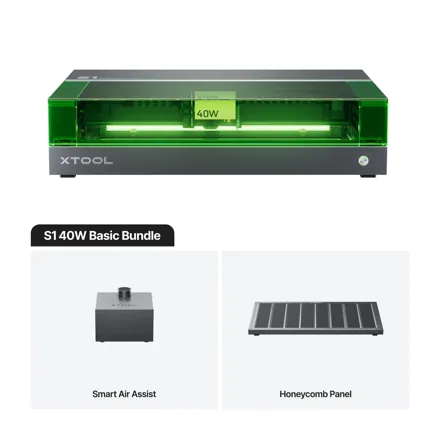
An enclosed diode option in the 40 W configuration.
Consider it for a verified material workflow that fits the standard working area.
Confirm the laser module and bundle; other variants have different specifications.
Check current price at the store
Buy NowPrice applies to the stated region and variant. Confirm the final total at checkout.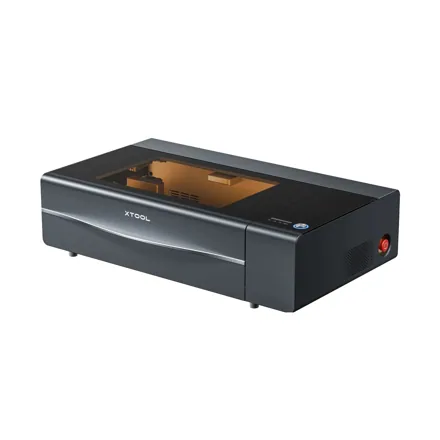
A desktop CO₂ option with a larger standard processing area.
Compare it when sheet-based work and the exact material suit a CO₂ workflow.
Allow for the machine footprint and access; the processing area is not its desk footprint.
Check current price at the store
Buy NowPrice applies to the stated region and variant. Confirm the final total at checkout.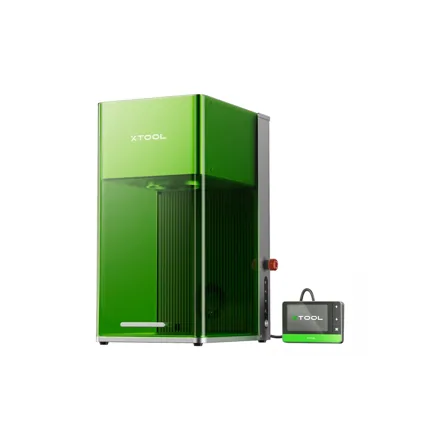
A dual-source machine combining fiber and diode lasers.
Consider smaller-item engraving after checking the exact material and required finish.
Do not assume every metal, coating or process is compatible.
Check current price at the store
Buy NowPrice applies to the stated region and variant. Confirm the final total at checkout.Manufacturer specifications help narrow the options. This table does not rank safety, real-world throughput or overall quality.
| Comparison | xTool S1 40W | xTool P2S | xTool F1 Ultra |
|---|---|---|---|
| Laser source | 40 W diode | 55 W CO₂ | 20 W fiber + 20 W diode |
| Standard working area | 498 × 319 mm | 600 × 305 mm | 220 × 220 mm |
| Check before choosing | Exact material and module | Sheet size and workspace | Material, finish and item size |
A practical way to compare materials, usable space and complete setup costs before choosing an xTool machine.
Write down what you want to make: a flat sign, a labelled tool or a batch of gifts. Note whether you need surface marking, deeper engraving or a through-cut. These tasks should be checked separately; a successful engraving sample does not prove cutting suitability.
Record the actual material, thickness and any coating or adhesive. Ask the manufacturer to confirm suitability when the composition is unclear. Do not process PVC or unknown materials. Keep a material check unresolved until reliable information is available.
Compare your largest intended piece with the standard working area. Then check the machine dimensions, lid clearance, extraction arrangement and room needed to load and remove work. Plan for the configuration you will actually buy, including any riser or rotary accessory.
List the machine, compatible fixtures, required extraction, replacement consumables and maintenance. For business use, include setup, inspection, cleaning and packing time; headline motion speed is not an order-completion time. Request an appropriate demonstration using your material before relying on a production estimate.
S1 40W, P2S and F1 Ultra represent different laser sources and work areas. Keep unsuitable machines out of the shortlist even if discounted. Where material, workspace or operating requirements are uncertain, save the candidate with a clear check to complete. Follow the exact manual and keep the machine supervised during operation.
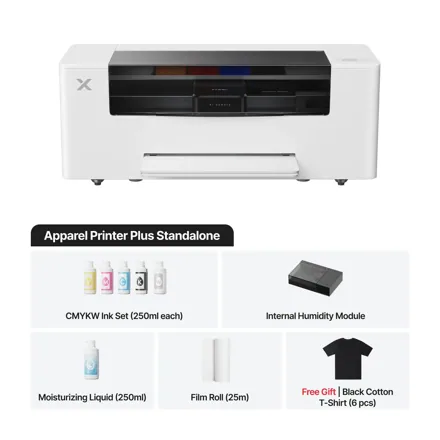
Explore this xTool product in the official catalogue.
Compare the exact configuration and current purchase terms.
Check the exact machine, required extraction, material compatibility and manufacturer safety instructions before purchase.
Check current price at the store
Buy NowPrice applies to the stated region and variant. Confirm the final total at checkout.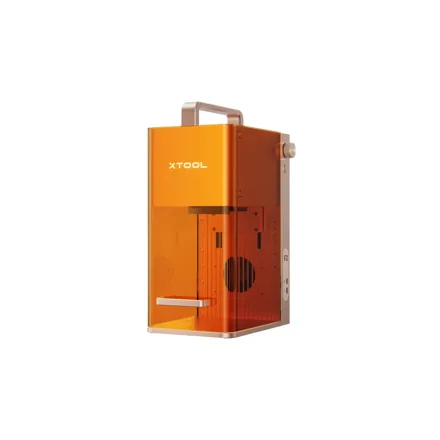
Explore this xTool product in the official catalogue.
Compare the exact configuration and current purchase terms.
Check the exact machine, required extraction, material compatibility and manufacturer safety instructions before purchase.
Check current price at the store
Buy NowPrice applies to the stated region and variant. Confirm the final total at checkout.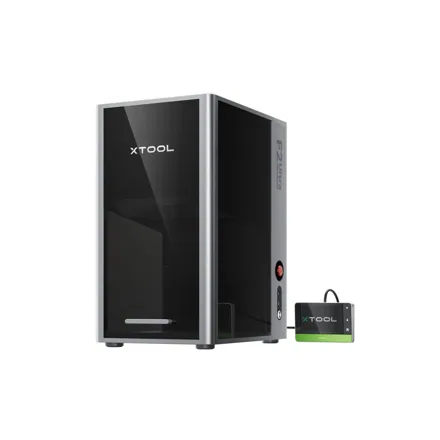
Explore this xTool product in the official catalogue.
Compare the exact configuration and current purchase terms.
Check the exact machine, required extraction, material compatibility and manufacturer safety instructions before purchase.
Check current price at the store
Buy NowPrice applies to the stated region and variant. Confirm the final total at checkout.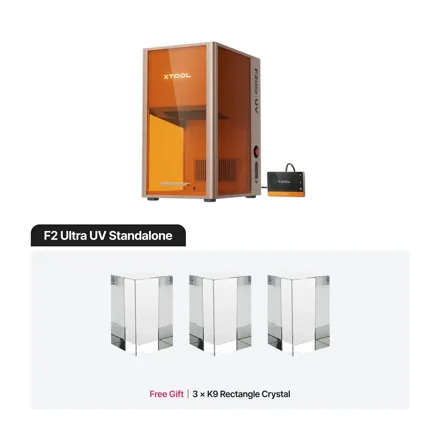
Explore this xTool product in the official catalogue.
Compare the exact configuration and current purchase terms.
Check the exact machine, required extraction, material compatibility and manufacturer safety instructions before purchase.
Check current price at the store
Buy NowPrice applies to the stated region and variant. Confirm the final total at checkout.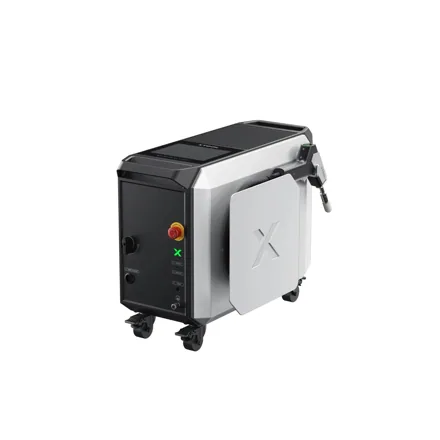
Explore this xTool product in the official catalogue.
Compare the exact configuration and current purchase terms.
Check the exact machine, required extraction, material compatibility and manufacturer safety instructions before purchase.
Check current price at the store
Buy NowPrice applies to the stated region and variant. Confirm the final total at checkout.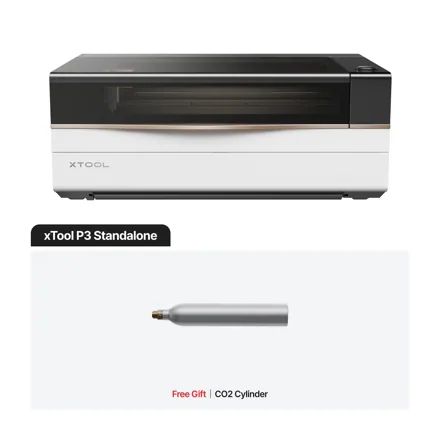
Explore this xTool product in the official catalogue.
Compare the exact configuration and current purchase terms.
Check the exact machine, required extraction, material compatibility and manufacturer safety instructions before purchase.
Check current price at the store
Buy NowPrice applies to the stated region and variant. Confirm the final total at checkout.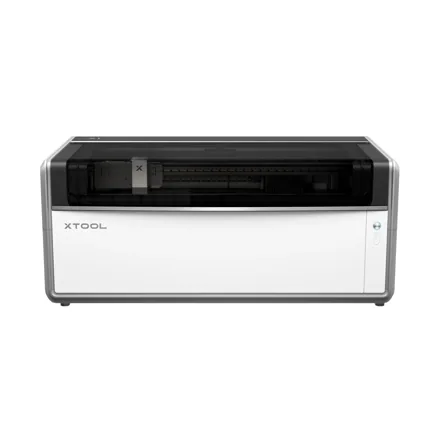
Explore this xTool product in the official catalogue.
Compare the exact configuration and current purchase terms.
Check the exact machine, required extraction, material compatibility and manufacturer safety instructions before purchase.
Check current price at the store
Buy NowPrice applies to the stated region and variant. Confirm the final total at checkout.Price applies to the stated region and variant. Confirm the final total at checkout. Product images are illustrative of the model. Bundle contents vary by offer.
Start with the project: the material, its size and whether you want to mark, engrave or cut it. Then compare machines that support that task. A machine suited to small metal marks may not suit cutting large sheets.
Check extraction or ventilation, suitable accessories, materials, software needs and replacement parts. Compare the complete setup for your project rather than the machine price alone.
No. Follow the exact machine manual and approved-material guidance. Check ventilation and operating requirements for your workspace before purchase; do not process an unfamiliar material without confirming that it is suitable.
Check compatibility with the exact model, working area and configuration. Confirm that rotary tools, conveyor attachments or extraction equipment are supported before adding them to your order.
xTool sells equipment for people who want to mark, engrave or cut objects, from compact machines for personalised items to larger systems intended for a workspace. A machine name and an advertised power figure only tell part of the story. Different laser types interact differently with materials, and the size of the object can matter as much as the size of the design. It helps to approach the store with a real project in mind, even if that project is as modest as a batch of name tags.
The catalogue also raises a simple production question: which part of making the item takes the longest? For a small batch, aligning each blank or cleaning up afterward may take more time than the machine spends on the design. Better placement or a more suitable fixture can therefore be more valuable than a faster headline speed.
Measure the largest piece that must fit into the machine and the area you actually want to mark. Those are not always the same. A short inscription on a finished box can be difficult to position even though the design itself is tiny. Note whether the surface is flat or curved and whether you expect to make one item or a repeatable batch. Now compare the manufacturer's stated working area, clearance and compatible accessories for the exact model rather than comparing machines by their overall footprint.
The S1, P2S and F1 Ultra are examples of different approaches in the xTool catalogue. A demonstration on one machine and one material is not a guarantee of the same result from another combination. Check the precise material, thickness and task described by the manufacturer. Cutting all the way through, marking a surface and engraving into it are different outcomes. For an unfamiliar material, consult the approved material information for that machine; an attractive sample photograph is not a safety or compatibility specification.
Before choosing a package, work out where the machine will stand, where material will be loaded and how the workspace will meet the manufacturer's enclosure, ventilation and supervision requirements. Leave room to open lids, reach controls and carry out routine cleaning. Check the manual for the exact system, including any accessory that changes the working envelope. If those conditions cannot be met in the intended room, the next useful comparison is between workspaces or services, not between progressively more powerful machines.
Put the proposed machine, compatible fixtures, suitable materials, safety provisions and any required software on one list. For repeated work, consider how you will place a second blank in the same position and inspect the finished piece. A machine that fits the project and is easy to set up may be more useful than a larger one with features you rarely need. Keep the model, accessory names and regional support contact together. They will matter when you need the right replacement part or want to add another capability later.