
On your website
Place a guide beside a category or product range. Shoppers explore their options and return to your product pages to check out.
Your products · Your checkoutA buying guide for your store
Turn “Which one should I buy?” into a helpful shortlist. Customers answer a few questions, find products that suit them and buy directly from your store.

A shortlist from your store
With reasons to help them decide.
From your catalogue to your customers
Start with one product category. Review everything before shoppers see it.
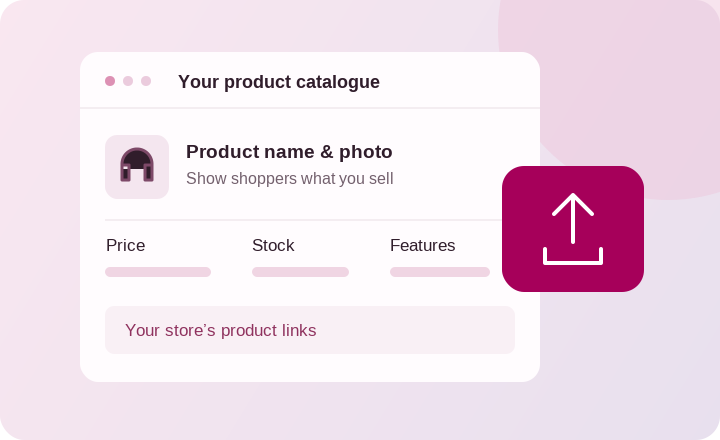
Connect your store or send a catalogue file. Include photos, prices, stock, product details and links to buy.
You prepare: one category and its product information.
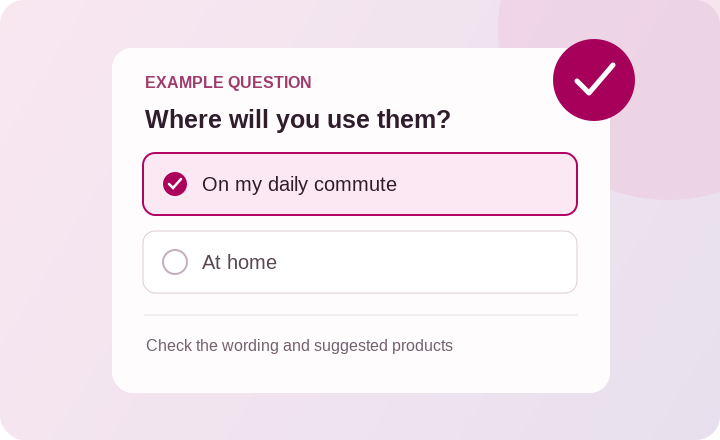
Marketgrid drafts questions from your product details. Check the answers and matches, then add your logo, colours and images.
You approve: the wording and products the guide suggests.
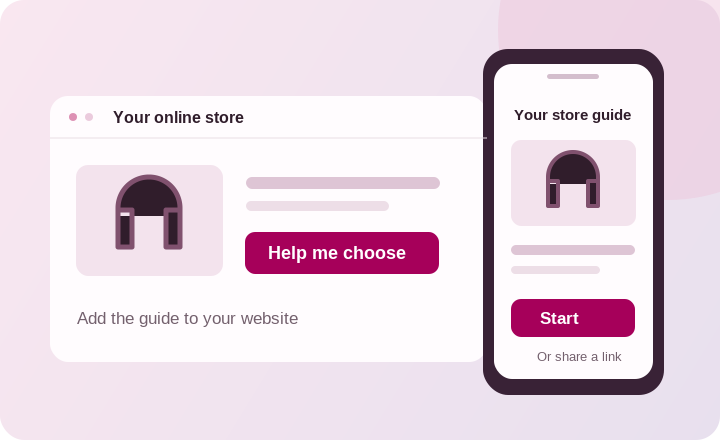
Add a “Help me choose” button to your website. In a physical shop, share the guide through its link, QR code or a tablet.
Shoppers get: a shortlist and a way to continue with you.
Illustrations show the setup steps. Your guide uses your own products and branding.
What your customer does
A shopper doesn’t need to understand every specification. The guide starts with what they want to do.
Try a shopping guide Explore a Marketgrid example. Your store’s guide will use your catalogue.Answer questions about everyday use, preferences and budget.
Compare a shortlist with reasons for each suggestion.
Open your product page to buy, or speak to your team in-store.
Online, in-store, or both
Place a guide beside a category or product range. Shoppers explore their options and return to your product pages to check out.
Your products · Your checkoutA customer scans your guide’s QR code, answers on their phone and brings the shortlist to a colleague.
For physical stores, keep the catalogue updated daily. Your team confirms the final price and availability.
Tell us about your store →Try it with your own products
Request setup first. A trial request does not start a paid subscription.
100 guide credits · 2 live guides · 2 guide updates
Your trial starts after setup and activation. No card required.
Guide creditOne shopper’s question-and-shortlist journey, for up to 24 hours. Just opening a guide is free.
Live guideA published buying guide shoppers can use. You could have a separate guide for each product category.
Guide updateCreating or regenerating a guide, or asking Marketgrid to rewrite its wording.
$9 USD / month
$29 USD / month
$69 USD / month
$199 USD / month
From $799 USD / month
Each plan covers one website or physical location, with your branding and supported guide languages. A product variant is a version such as a size or colour. Guide-update allowances reset each calendar month. Enterprise prices and allowances are subject to contract.
Optional credit packs: 500 credits for $20 · 1,500 credits for $60 · 5,000 credits for $200.
Included credits reset each billing cycle. Purchased credits carry forward and require an active subscription. Extra charges apply only when you choose to buy more credits. Automatic refills are optional and require your approval and a spending limit.
Shopify uses 30-day billing cycles. You can cancel future renewals at any time and request a full refund of your first subscription payment within 15 days. Prepaid credit packs are separate purchases. Read the refund policy.
We can help you connect Shopify or WooCommerce. A custom website usually needs a developer to add the guide and connect its catalogue and stock information. Physical stores can start with a catalogue file and a hosted guide link.
Your store guide uses the product catalogue you connect. Its product links take shoppers to your store. The public Marketgrid shopping guides are a separate experience.
Marketgrid uses AI to draft questions and product matches from the details you supply. You review the wording, images, product claims and suggestions before publishing. You can edit or pause your guide.
Connected online guides check price and stock through the store integration. Changes to product details or questions need a fresh draft and your review. Physical-store catalogues need at least daily updates; the guide stops recommending from a stale catalogue.
Your 15 days start after the connected guide is ready and your trial is activated. There is one trial per retailer. When it ends, you can leave it there or separately sign up for a paid plan. A trial never charges you automatically.
Shoppers buy through your store. Your team handles checkout, delivery, returns and customer support. Marketgrid helps them choose what to look at.
The guide uses their selected answers to find suitable products. It does not need their payment details to make a shortlist. Your store’s own checkout and tracking remain separate. Read the Privacy Policy for how guide data is handled.
Let’s start with your store
Tell us about your store and the products customers need help choosing. We’ll use your details to arrange setup.
info@marketgrid.com